Billing & Accounts
How to Choose a Billing and Accounts Management System
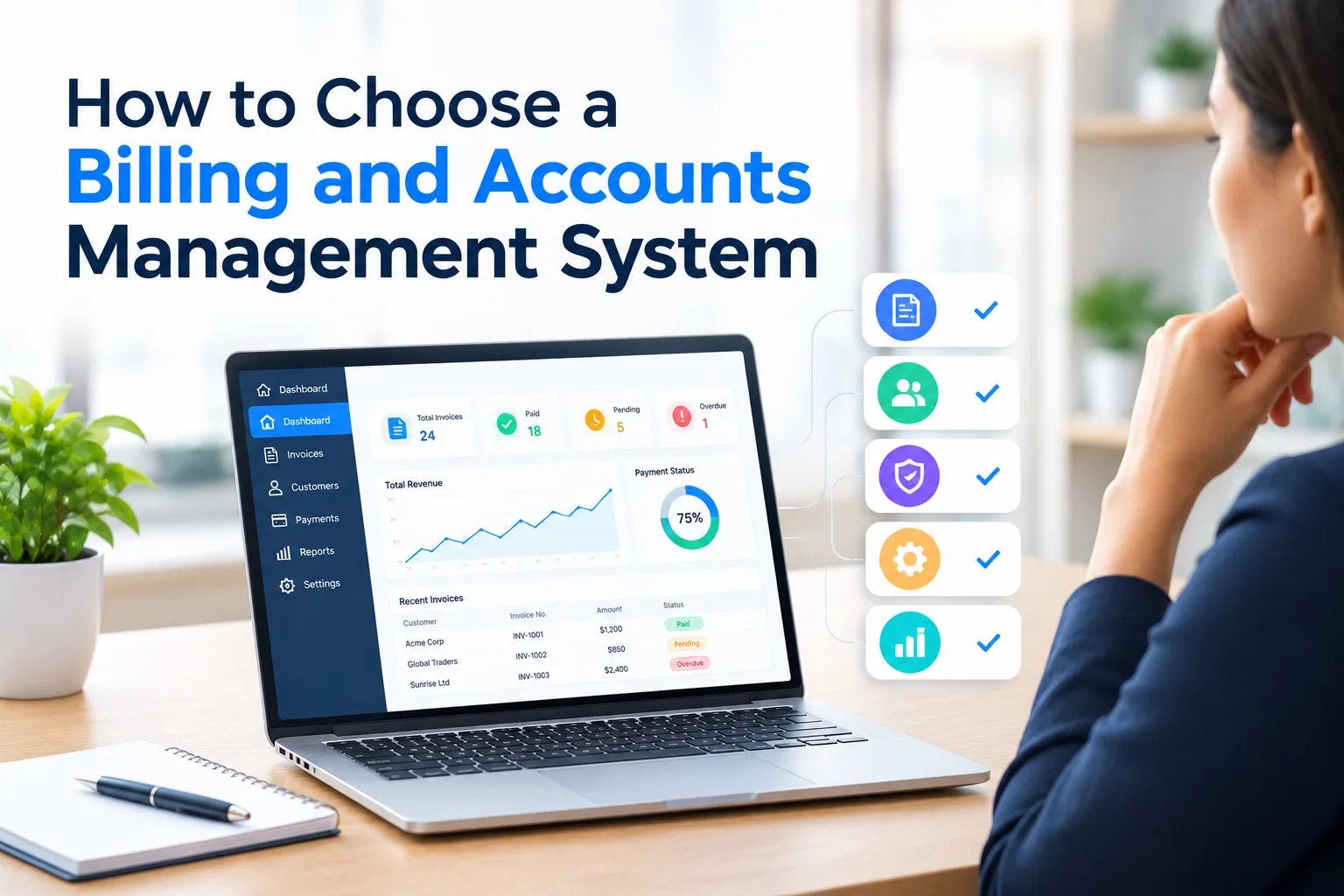
A trip is complete when the delivery is done. But for many transport businesses, the work is not finished yet.
Someone still has to collect the POD, check the rate, raise the invoice, and chase the payment. Each step waits for the one before it, and a day lost at any of them is a day your money sits somewhere else.
A billing and accounts management system brings these tasks into one place, so invoices go out faster and you can see what is still owed.
This guide covers what to check before you buy one, what the right system gives you, the five questions to ask in a demo, and the common mistakes to avoid.
A billing and accounts management system is software that turns your completed trips into invoices and then tracks the money owed against them.
Think of it this way. The truck delivers the load. Some weeks later the money reaches your bank. Everything that has to happen in between is what a billing and accounts management system does.
If you are still working out the basics, our guide to what billing software is covers the meaning, types and key features.
These six decide whether transport billing software shortens your billing cycle, or simply moves the typing to a different screen.
When the proof of delivery is verified, the invoice should appear. Nobody should have to start it.
This is the single biggest time saving in transport billing. It takes the gap between delivery and invoice from two weeks to the same day.
Ask the vendor to show you a POD being approved and the invoice appearing. Not a slide. The actual screen.
You agreed a rate with that client, for that route, for that vehicle type. The system should know it and use it.
This matters most on full truckload operations, where a single wrong rate on a long-haul trip costs more than a week of small errors.
When rates are looked up by hand, two things go wrong. People bill the old rate after a revision, and people bill from memory on a busy day. Both cost you money quietly.
Good billing and invoicing software also keeps the history, so when a client disputes a rate you can show what was agreed and when.
Every invoice needs the correct tax split. Within a state it is CGST and SGST. Across states it is IGST. Get it wrong and you are fixing it at filing time.
The system should work this out from the pickup and delivery states on its own. It should also:
This is the same compliance layer your GST and E-Way Bill system relies on, so the two should sit together rather than in separate tools.
Most Indian transport offices run Tally. If your billing system does not push invoices across, your accountant enters every one of them twice.
That is somebody's afternoon, every day, for as long as you own the software.
Ask to watch an invoice move from the billing screen into Tally during the demo. Most vendors say they integrate. Fewer can show it.
Proper smart billing software pushes the invoice across on its own, with no file in between.
Not one total. A list, by client, showing how old each amount is:
That is what tells you which client needs a call today and which one is fine.
A billing management system that shows a single outstanding figure is not giving you anything you can act on. Any bill management system worth buying breaks it down.
You raise invoices to customers. You also receive bills from the transporters and vendors you hire, often at rates agreed through your auction management system.
Both sides belong in the same place. Otherwise you can see what you are owed but not what you owe, and neither number means much on its own. Billing and account management should sit in one system, not two.
Check that it tracks advances paid, tax deducted at source (TDS), and the balance still due to each vendor.
If you also hold spares, tyres or consumables in a store, ask whether the vendor offers software for billing and inventory together, or whether that is a second purchase.
Features are easy to compare. What matters is what they change in your business.
When invoices go out the day the trip ends instead of two weeks later, the money arrives two weeks earlier. Nothing about the client changes. Only your side does.
Two weeks of working capital is fuel advances, a vehicle deposit, or vendors paid on time instead of after a reminder.
Most accounts staff in transport spend their day collecting PODs, looking up rates, and typing the same invoice into two systems.
Take that away and they have time for collections, which is the work that actually brings money in.
A client questions a rate from three months ago. Today that becomes a week of emails and a payment held back.
With the history on record, you open the trip, send what was agreed, and the matter closes the same day. The relationship stays intact.
When you can see what each trip earned, you know which lanes pay and which ones you have been running at a loss.
That changes how you quote at renewal. Most transporters negotiate on instinct because the numbers were never available. Pair it with fleet management software and you see the vehicle cost on that trip too.
Doubling your trips normally means doubling the people who bill them.
When the invoices raise themselves, volume stops being a staffing problem. The same team handles twice the work.
The person running your demo has run it a hundred times. Nothing will go wrong. That is exactly the problem.
These five are where you stop listening and start watching.
Why ask this: this one feature removes the longest delay in your billing cycle.
Ask them to approve a proof of delivery on screen, then show you the invoice it creates. Start to finish, no slides.
If they talk around it instead of showing it, that feature is on a roadmap somewhere.
Why ask this: without a real sync, your accountant enters every invoice twice, every day, forever.
Watch it move across while you are on the call.
Almost every vendor says they integrate with Tally. Some mean a live sync. Others mean an export file your accountant imports by hand. Those are very different things, and only one saves you time.
Why ask this: rate disputes come months later, and whoever has the record wins.
Pick a trip from a few months back and ask what rate was agreed at the time.
If the system only shows today's rate, every client dispute becomes your word against his. With history, you send a screenshot and the conversation ends.
Why ask this: every client deducts it, and if the software ignores it your books never match your bank.
Your client pays you less than the invoice and deducts tax at source. Ask how that gets matched back.
If the answer is that your accountant adjusts it manually, nothing has changed. This is where most transport accounts stop balancing, and why deductions need to flow through to your books automatically rather than being adjusted by hand each month.
Why ask this: the quoted price is rarely the price you end up paying.
Ask what is billed on top of the number they just quoted.
Four things usually sit outside the quote:
Get all of it in writing before you sign.
Accounting software records what happened. A billing and accounts management system makes it happen. If you buy the first and need the second, you have not solved anything, you have just moved the manual work.
The owner sits through the demo. The accounts team never sees it. Six weeks later they are the ones working around whatever was bought.
Put whoever raises your invoices on the call. They will spot in ten minutes what a feature list hides.
The software applies whatever rates you load into it. If three people in your office hold three different versions of a client's rates, the system will simply automate the disagreement.
Settle your rate cards internally first. It is the one piece of preparation that decides how fast you go live.
A system that costs a few thousand more but gets invoices out two weeks earlier pays for itself in cash flow alone. Compare what each one does to your billing cycle, not what it does to your monthly bill.
The longest delay in most transport billing is not the client. It is the week the proof of delivery spends travelling to your office, and the days after that when nobody has started the invoice.
That part is yours to fix. Shortlist two platforms, not five, and take the five demo questions into both calls. Bring a real week of your own consignments with your own rate cards, because demo data is always clean and yours will not be.
LogiBrisk is one of them, it runs billing on the same trip record as dispatch, and connects to smart accounting management for the books and transportation management software for the trips.
The right system will not change your business in week one. It will show up in your first full billing run, and again when the money arrives sooner than it used to.
It handles everything between delivery and payment. The software applies your agreed rate, adds the correct GST, sends the invoice, then tracks what each client still owes. For transport businesses it also covers vendor bills, TDS deductions, and outstanding by ageing bucket.
Billing software creates the invoice. Accounting software records the money after it moves. A transport business needs both. Billing raises the bill from the trip record, accounting keeps the books, and the two should pass data between them without anyone retyping it.
No. Tally is accounting software. It records transactions that have already happened and keeps your books in order. Like most accounting management software, it does not raise freight invoices from trip records, hold rate contracts by lane, or know that a proof of delivery arrived this morning. Those are billing jobs.
You can, but you will do most of the work by hand. Tally has no trip record, no rate contracts by route and vehicle type, and no link to proof of delivery. Most Indian transporters keep Tally for the books and feed it from transport billing software, so invoices are never typed twice.
Transport billing software raises invoices from consignments rather than ledger entries. It knows the lorry receipt number, the route, the vehicle, the agreed rate, and whether the freight is to-pay or paid. That last point matters most in part truckload work, where to-pay freight is common.
Good transport billing software handles GST automatically. It applies CGST and SGST within a state, IGST across states, and HSN code 9965 on freight invoices. E-Way Bill is usually a separate module. Ask whether the two sit on the same platform or need connecting.
Most platforms charge a monthly fee based on users or transaction volume. The quoted figure rarely covers setup, training or late-evening support, so ask what is billed on top before you compare two offers.
A managed billing service means an outside team raises your invoices for you. It suits very small fleets with a handful of trips a month. Once you are running regular trips, software costs less per invoice and keeps your rate data and client history inside your own business.