Logistics Software
What Is Logistics ERP Software? How to Choose the Right One
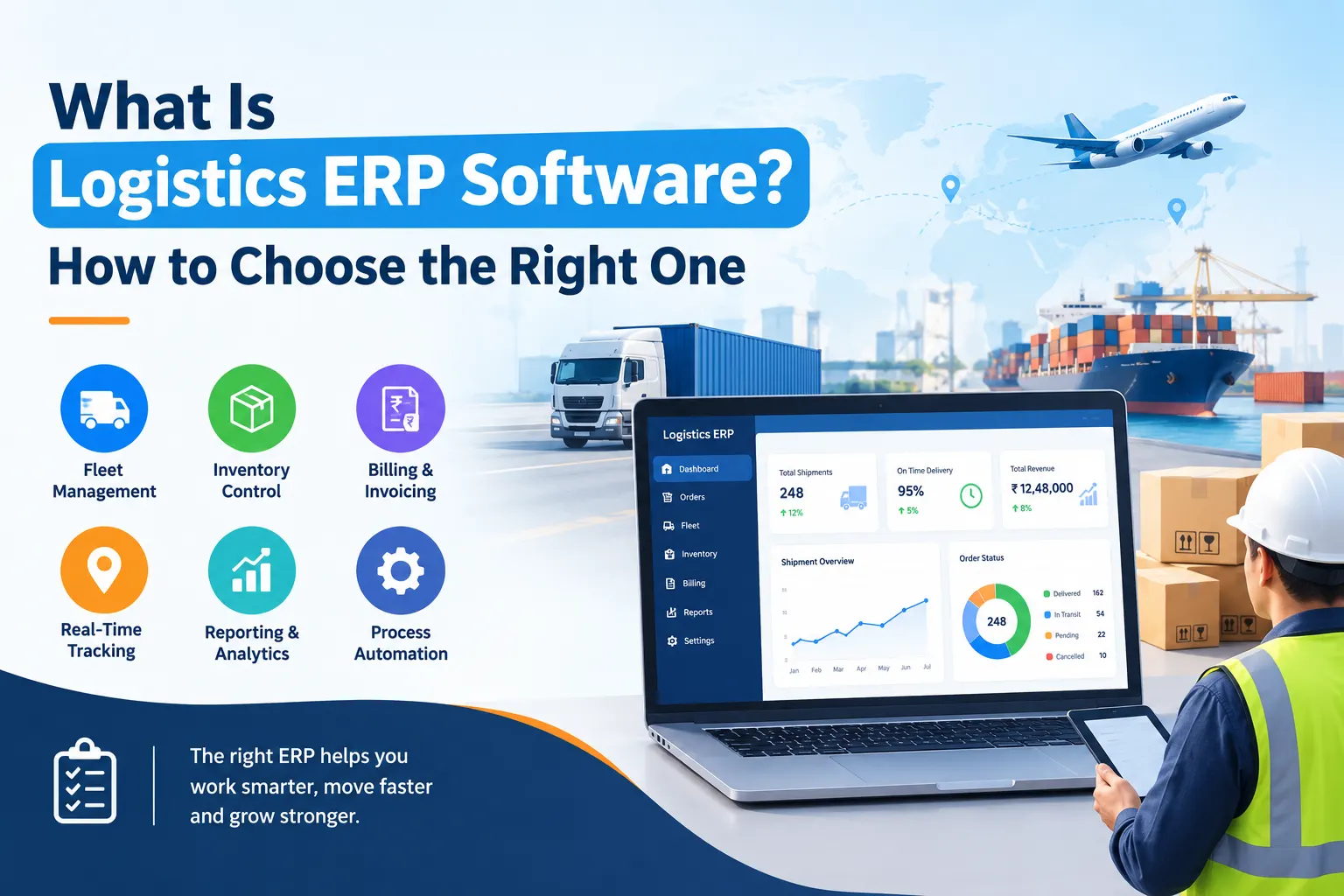





A customer calls to ask where their load is. Your driver says one thing, your dispatcher says another, and the invoice is still sitting in someone's spreadsheet. If that sounds familiar, you are not alone, and this is exactly the problem logistics ERP software is built to solve.
In short: logistics ERP software is one system that handles your bookings, vehicles, trips, billing and reports together. Your whole team sees the same up-to-date information, so nobody has to chase anyone for answers.
In this guide, we will explain what it is in simple words, how it helps a transport business, what to check before you buy, and how to pick the right one for your company.
Key Takeaways
Logistics ERP software is a business system that connects every part of a logistics company, from taking a booking to collecting the payment. This is what ERP for logistics companies is all about. Instead of using separate tools for trips, vehicles, stock and accounts, you use one system where all of it lives together.
The ERP full form in logistics is Enterprise Resource Planning. That sounds technical, but the idea is simple:
So a logistics ERP is planning software made for transport, warehousing and supply chain businesses. It has tools for things a normal ERP does not focus on, such as shipments, routes, fleets and delivery tracking.
The easiest way to understand it is to follow one customer order.
Without ERP: a customer books a load by phone. Someone writes it in a notebook, another person copies it into a spreadsheet, the driver gets a call, and the accountant later asks for trip details to make the bill. Every step is a chance for a mistake, and nobody can say quickly where the load is.
With ERP: the booking is entered once. The system helps you assign a vehicle and driver, tracks the trip, records expenses, and creates the invoice from the same details. The customer can check the status, and you can see your profit on that trip in a few clicks.
Same work, far less typing, and far fewer arguments about whose number is right.
Used well, ERP in logistics saves time, cuts costs and gives you a clear picture of how your business is really doing. Here is what most transporters notice first:
Want to go deeper? We have written a separate guide on the top benefits of ERP software for logistics and transportation, with more examples of how each benefit shows up in daily work.
If you run a logistics business in India, pick logistics ERP software that already understands Indian rules. A tool built for another country will leave you doing GST and paperwork by hand, which defeats the purpose.
The most important thing is GST. Your software should create GST-correct invoices and support e-way bills, so you do not have to switch between portals and spreadsheets. If your business falls under the e-invoicing rule, it should handle that too. Our article on why Indian transporters need GST-integrated logistics software explains this in more detail.
Beyond GST, a few other things matter a lot in India:
Tax rules change from time to time, so always confirm the latest GST and e-way bill requirements with your accountant or the official government portals.
You do not need every feature on the market. The most useful logistics ERP features are the ones that match how your business actually runs:
A good rule: if a feature will not save you time in the next six months, leave it for later.
Want to see how these features work together in one system? Take a look at our logistics management software.
The best logistics ERP software is the one your team will actually use every day. It fits your business size, your budget and your way of working, and it does not need to be the most expensive or the most advanced.
Here is a simple way to decide:
It also helps to compare a few options before you commit. If you want a starting point, see our list of the top 10 logistics software companies in India and shortlist two or three to test.
Questions to ask every vendor:
There is no single price, because the cost depends on how big your business is and which features you need. The best way to get a real number is to ask vendors for a written quote based on your own requirements.
Most vendors charge in one of three ways. A subscription means you pay monthly or yearly, usually per user or per plan, which suits small and growing businesses. A one-time licence means you pay once and then a smaller yearly fee for support. Custom-built software is made just for you and costs the most, so it is usually only worth it for large or unusual operations.
Whatever the model, the final price usually depends on the number of users, vehicles and branches, the modules you choose, setup and training, and any custom features. Before you sign, ask about hidden charges such as extra users, extra storage or paid support.
Logistics ERP software takes the daily chaos of calls, spreadsheets and paperwork and turns it into one clear system. The right choice is the one that fits your size, your budget and your local needs, especially GST and e-way bill support if you operate in India.
Your next step is simple: write down your three biggest problems, shortlist two or three vendors, and test each one with a live demo using your real work. Do that, and you will end up with software your team can use from day one and that keeps up as your business grows.
If you would like to see how a logistics ERP like LogiBrisk fits a business like yours, ask for a demo and try it with your own shipments. Seeing your real work inside the software is the fastest way to know if it is right for you.
ERP stands for Enterprise Resource Planning. In logistics, it means software that manages transport, warehouse, billing and customer work in one place.
No. Many systems are made for small and mid-sized transporters. Start with the features you need and add more as you grow.
A TMS (Transport Management System) handles transport, and a WMS (Warehouse Management System) handles warehouse work. A logistics ERP brings these together with accounts, reports and customer management.
Many India-focused systems do, but not all. Always confirm this in a demo before you buy.
Not always. Many ERP systems connect with existing accounting and GPS tools, so you can often keep what already works.